

Record your screen easily and quickly
with no time limit.
Recommended specs: Window 11,10 File size: 105.6 MB Latest update: 2026.09.30
Preserve every single moment of seeing, hearing, and speaking.
ezCam, the easiest way to record your screen
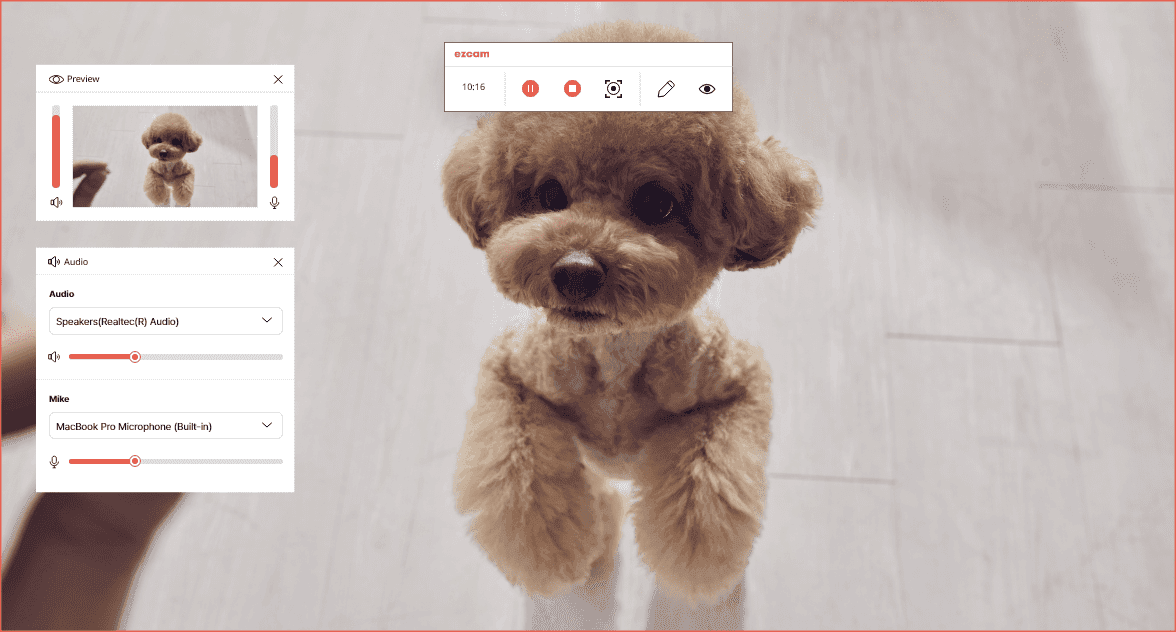
Record your entire PC screen at the click of a button and perfectly capture the video you want.
The Smartest Way to Record as Much as You Want
Find out firsthand what makes ezCam so special.
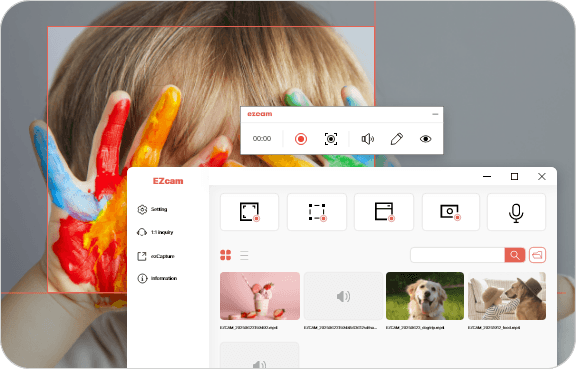
Record Only What You Want with No Watermarks
Only what you need, with no watermarks! Record freely with no time limit.
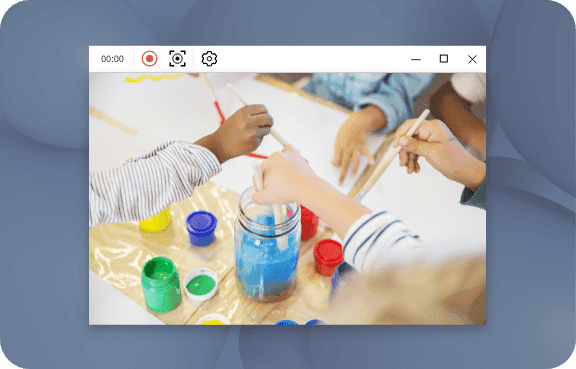
Record Yourself Clearly with a Webcam
Record your video in high quality using a webcam connected to your PC for meetings, lectures, and content creation.
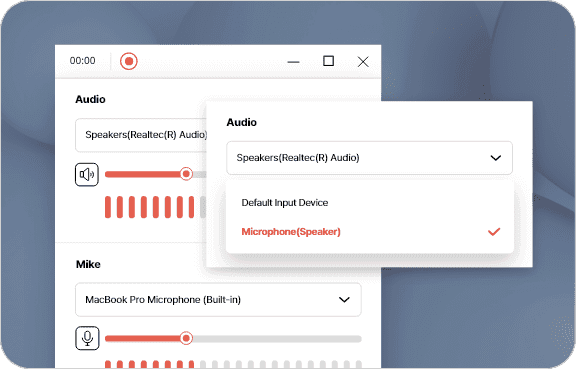
Clearly Record Everything, from system audio to Microphone
Freely toggle between system audio and microphone audio to record clearly and naturally.
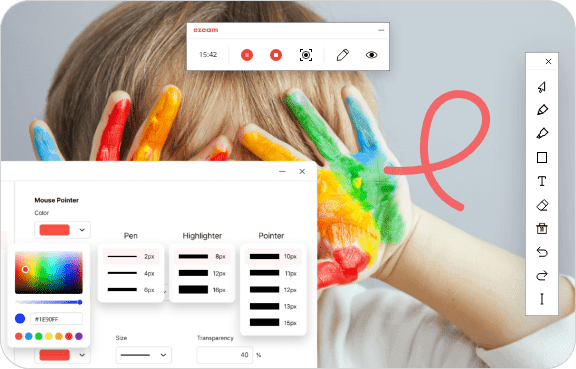
Draw Freely while Recording
Includes drawing tools such as a pen and highlighter to optimize video production.
Real User Reviews
Check out blog reviews and posts with user experiences.
Frequently Asked Questions
Check out why so many professionals choose ezCam
ezCam is a free public product. Individuals as well as corporations, non-profit organizations, public institutions, and internet cafes can freely use it anywhere.
Yes. Both video and system sound are recorded, and if you have a microphone installed on your PC, microphone audio can also be recorded.
If a webcam device is installed on your PC, this feature lets you record the webcam's video. You can record personal content, gameplay, and more.
It is a function that records only system sound and microphone audio without the screen.
Select the 'Area designation recording' function and you can drag only the desired area with the mouse to record. You can record the necessary screen while excluding unnecessary parts.
ezCam supports recording with no watermark and no time limit. However, high-quality and long-duration recordings may be limited depending on your PC's performance. If you experience recording quality issues, we recommend lowering the resolution and frame rate.
Yes. Click on the file you want to upload from the file list and press the share button to share on YouTube. Separate login to the YouTube account you want to share is required.
To use microphone recording and webcam recording, microphone and webcam devices must be installed on your PC. If not installed, the function cannot be used normally.
If you have difficulty using it even though it is installed normally, please contact us 1:1.
EZCAM does not have a capacity limit, but high-capacity files require a lot of loading time for file conversion.
Also, if you have set the save format to avi, there is a compression efficiency problem, so we recommend using mp4 save format.