ezDown
ezDown

Enjoy the essence of videos\nwithout ad interruptions.

Recommended specs: Windows 11, 10\nFile size: ??(MB)\nLatest update: 2025.12.22

Download on the ONE Store

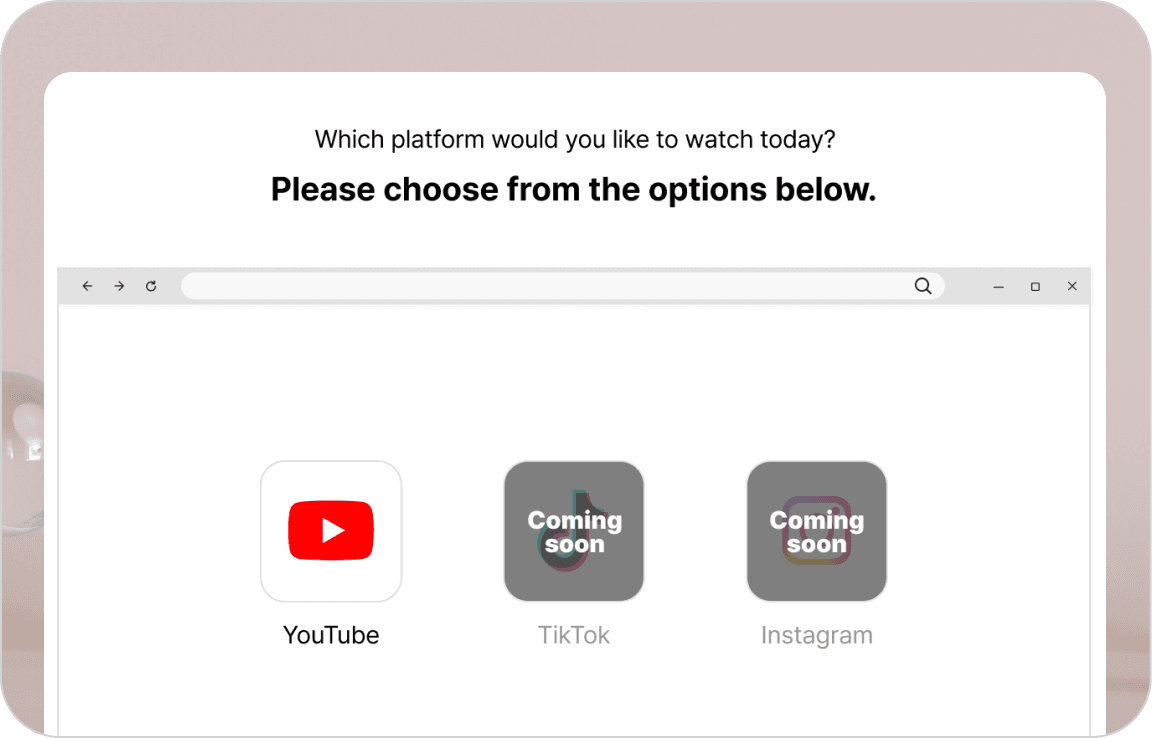
Easy and fast YouTube video playback and download in one

Enjoy and download your favorite YouTube videos seamlessly.
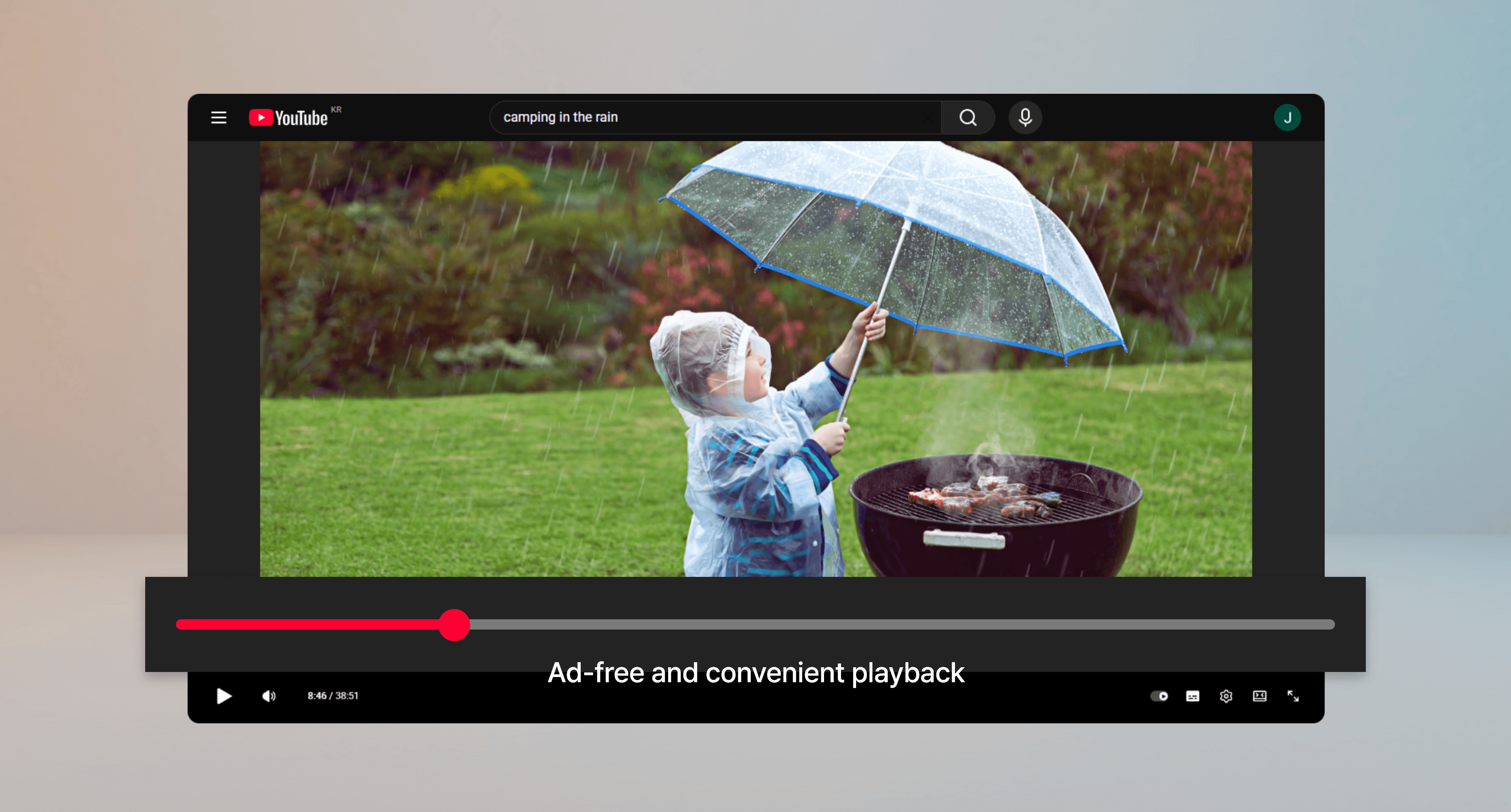
Ad Removal

Block ads on YouTube videos for a comfortable viewing experience.

A new standard for enjoying videos

Experience firsthand what makes ezDown special.
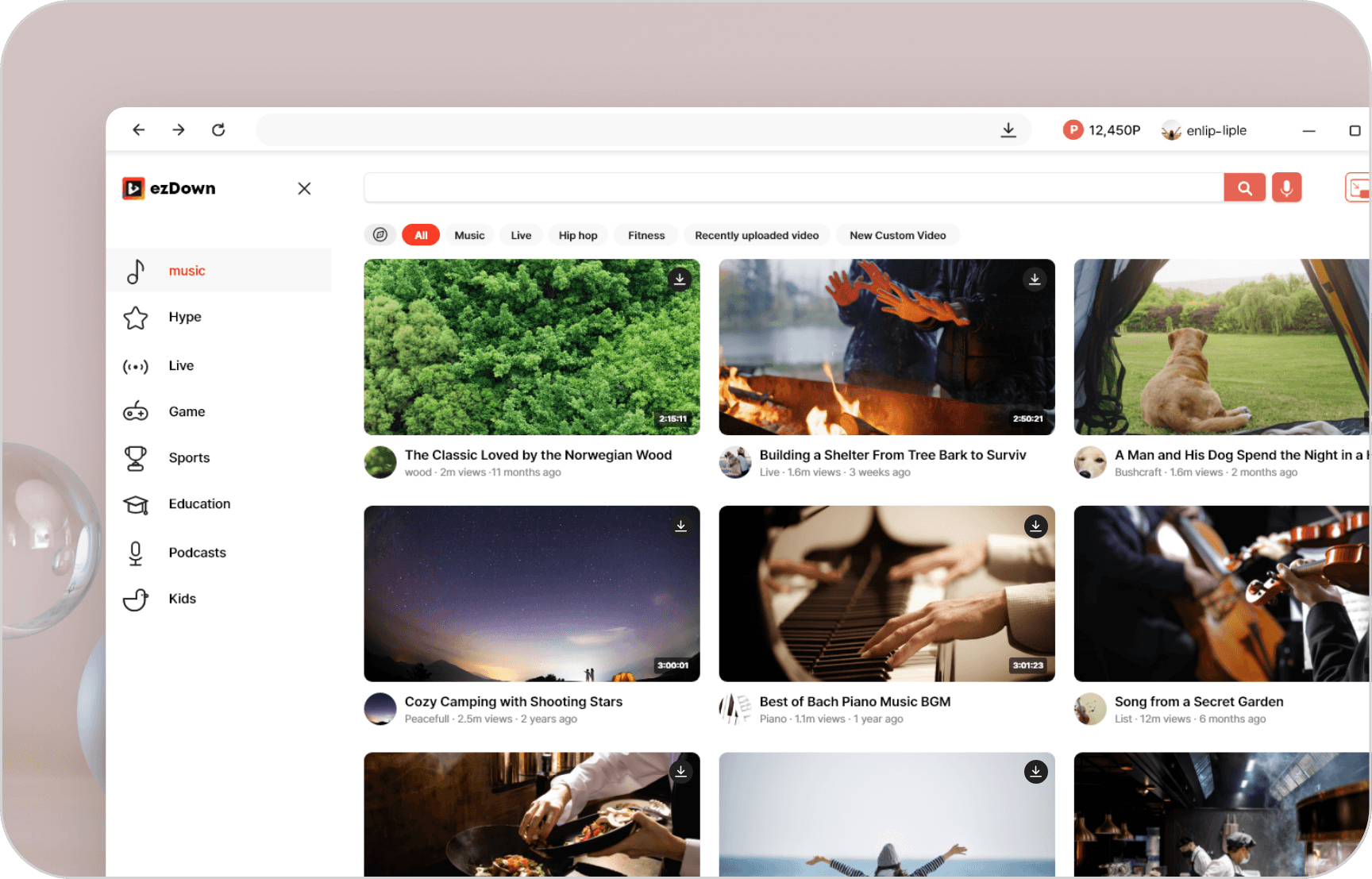
Personalized recommendations and trending content at a glance

Personalized recommendations and trending content at a glance

Just log in to see personalized video recommendations\nand trending content powered by YouTube's algorithm.

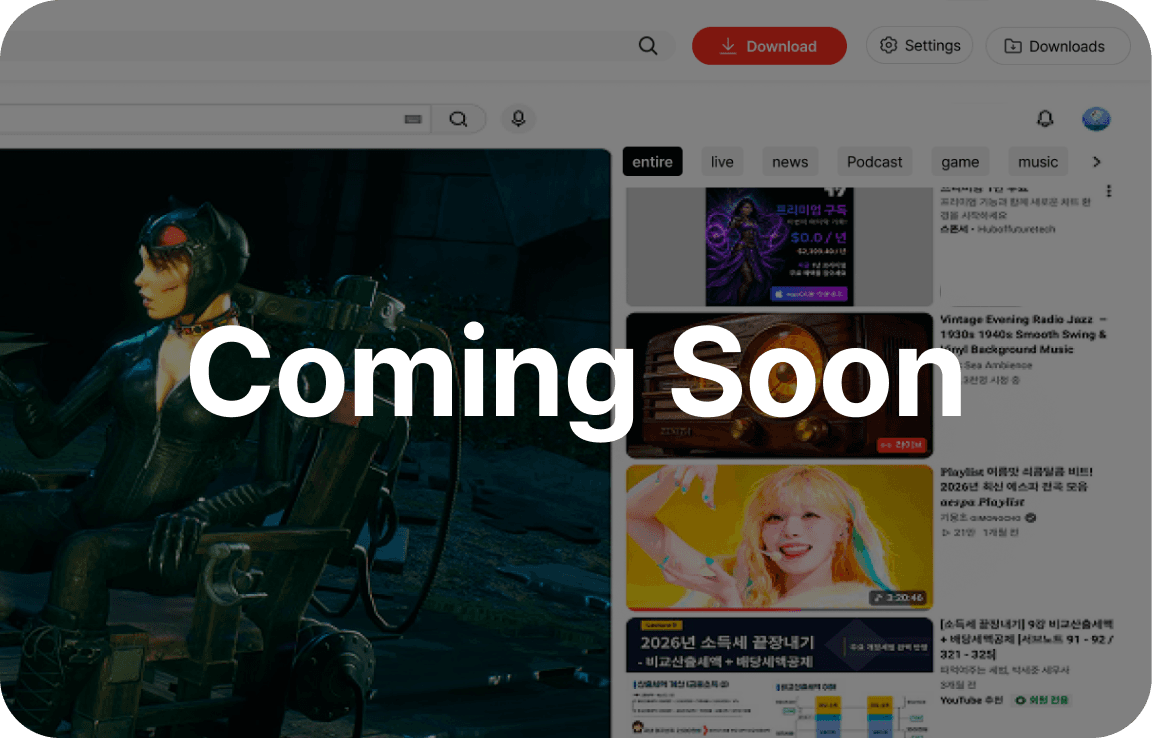
Kids Mode for safe viewing
Coming Soon

Kids Mode for safe viewing

Coming Soon

YouTube Kids features built right in!\nOnly age-appropriate content is displayed for worry-free use.

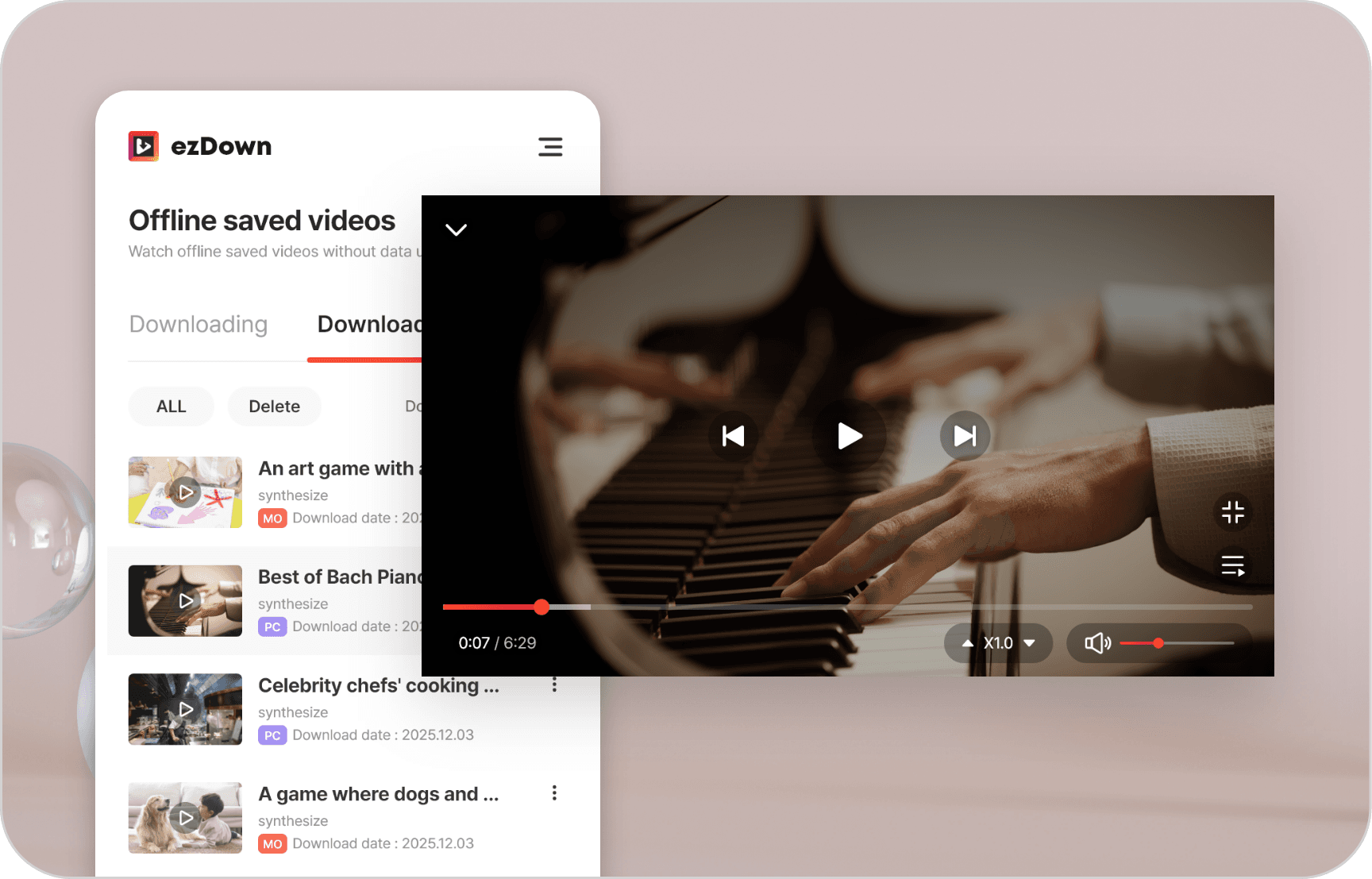
Play downloads with the built-in player

Play downloads with the built-in player

Play downloaded videos continuously with the built-in player without needing a separate app.

Batch download series / playlists

Batch download series / playlists

Download entire series or playlists at once for uninterrupted viewing.

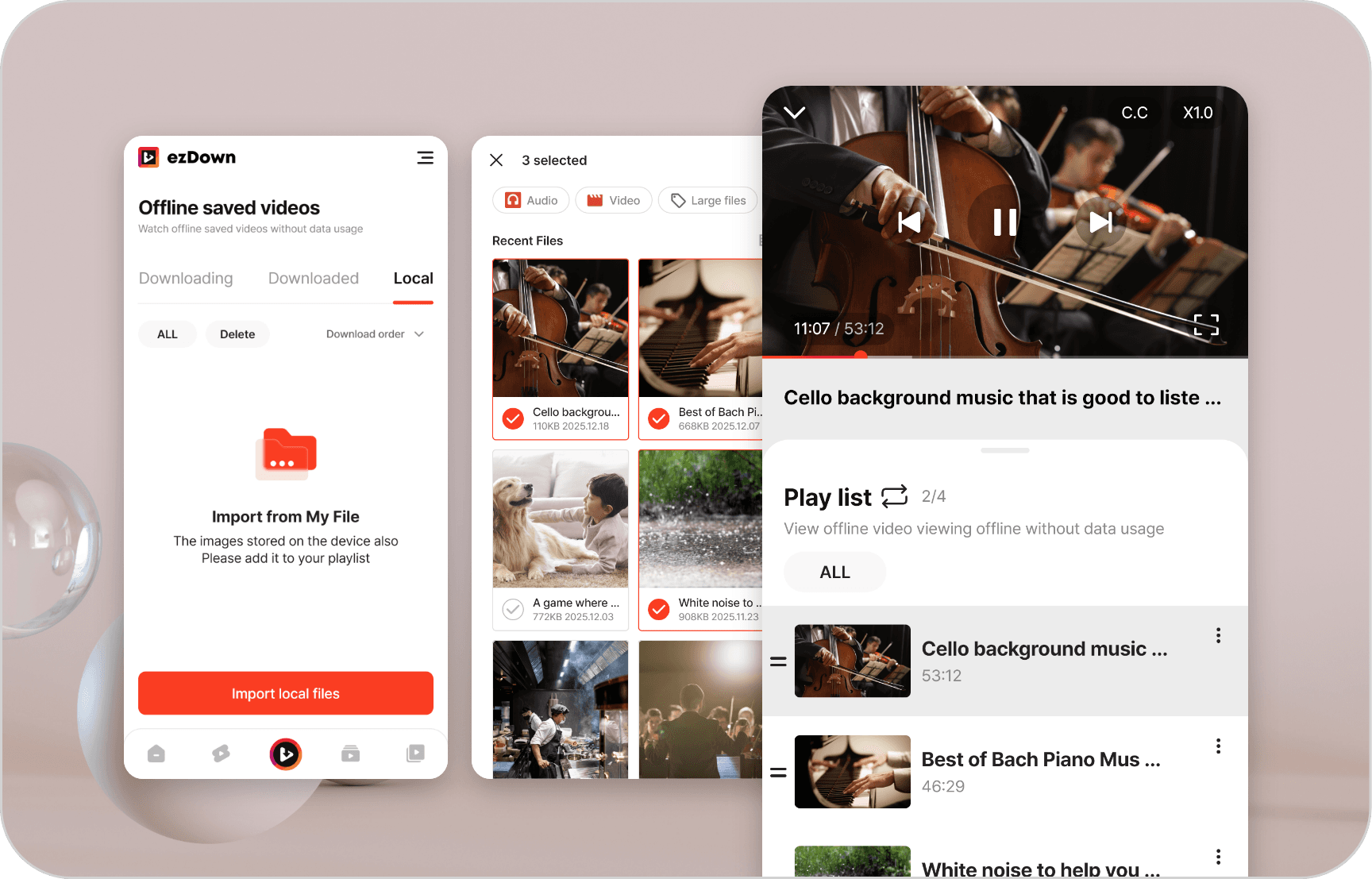
Play local videos and audio directly in ezDown!

Play local videos and audio directly in ezDown!

Enjoy not only files downloaded with ezDown but also local files with the offline player.
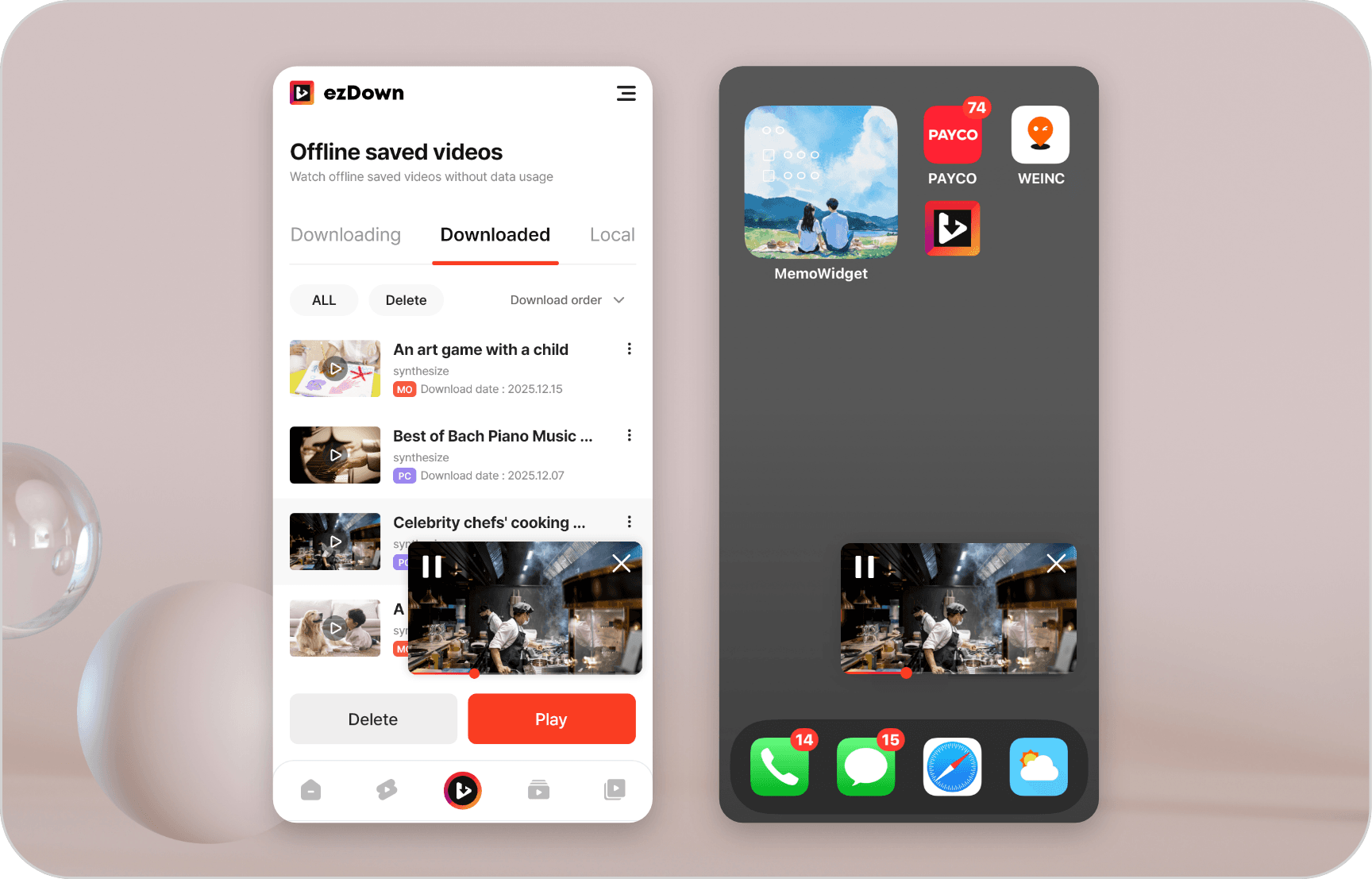
Supports both internal and external PIP

Supports both internal and external PIP

When using in-app PIP and switching to another app, it automatically converts to system PIP (external PIP).

Real User Reviews

Check out blog reviews and posts with real user experiences.

5 /5

Offline viewing without ads—that's the key!

The best part is how cleanly it plays without ads. You can download shorts instantly to watch offline, and it even supports background playback, making it super convenient for commuting.

et****@gmail.com
5 /5

PIP transition is smooth, and multilingual support is great!

The multilingual support made it easy to find menus, and switching from internal PIP to external PIP when exiting the app feels natural.

lk***@outlook.com
5 /5

It's easy to manage your download history and playlists.

It's great that downloaded videos can be resumed in the built-in player. It keeps playing even when the screen is off, so I often use it for listening to music too.

bw***@hotmail.com

Frequently Asked Questions

Discover the features and answers about ezDown, chosen by many users

YouTube ad removal, high-quality viewing, download, and audio extraction functions are provided.

240p, 360p, 480p, 720p, 1080p, 1440p, 2160p are provided.

Videos can be downloaded in various formats such as MP4, WebM, AV01.\nAudio is supported in M4A, Opus formats.

Yes, you can download including subtitle files registered in the video.

Yes. You can analyze the entire YouTube playlist at once and download the entire series.\nInterrupted downloads can be resumed through the resume function.

Yes. Only audio can be saved.

General video viewing and download: Possible without login.\n\nMembership exclusive content, personal playlist, watch history sync: YouTube account authentication may be required.

Yes, in My Page > Settings, you can follow system settings or individually select dark/light theme.

Yes, on mobile, video playback and download are possible even when the screen is off or another app is in use.

Yes, we support recognizing voice instead of keyboard input and converting it to a search term, and finding videos that match the results.

Yes, when you turn on the auto-play feature, the next video automatically plays 10 seconds after one video ends.