

Record and organize everyday thoughts and notes
quickly and easily.
Recommended specs: Window 11,10 File size: 175.2 MB Latest update: 2026.10.19
All notes in one place
Smart note for easy recording
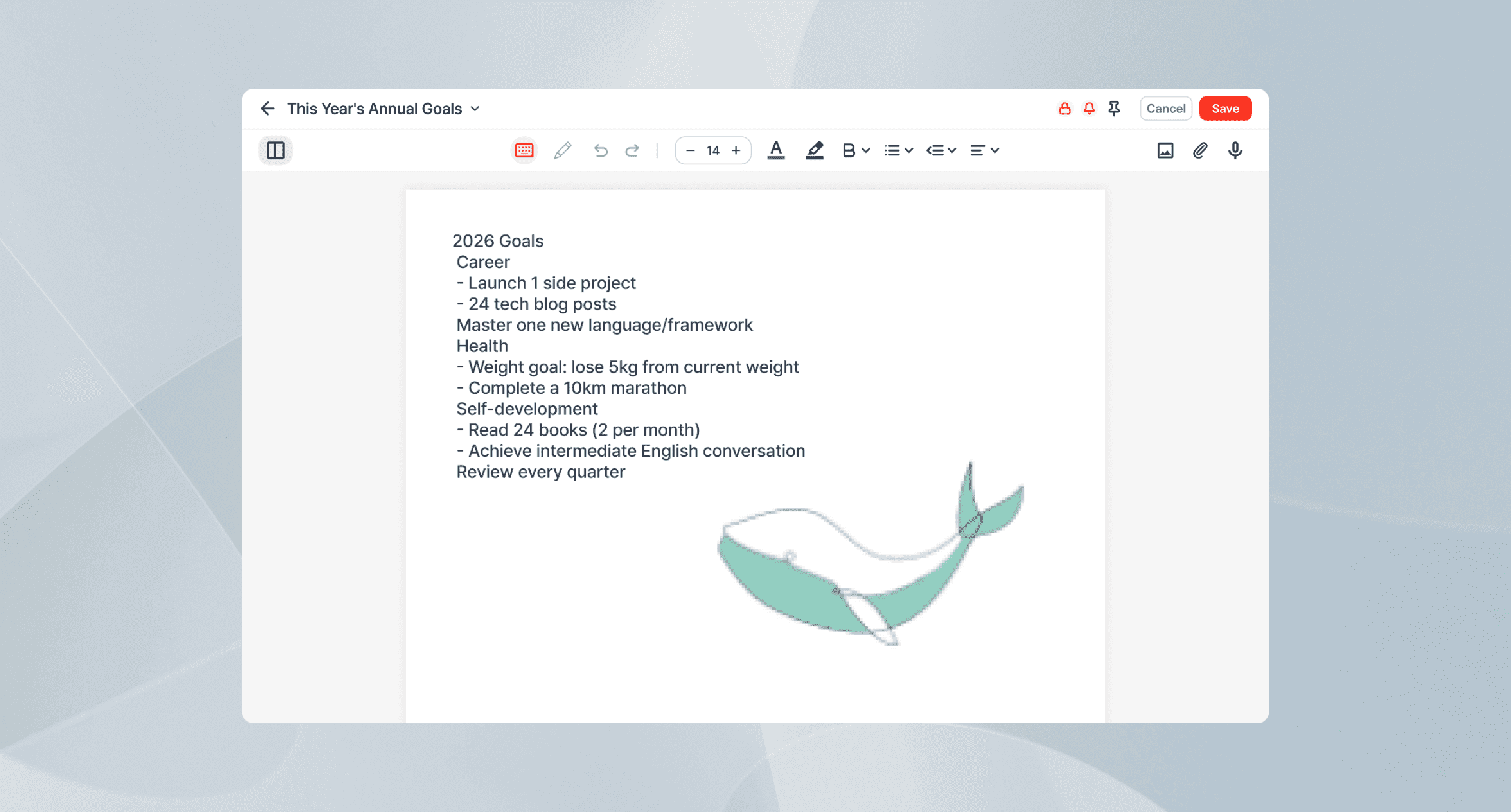
Set paragraph style, text color, highlighter and alignment right from the toolbar to keep your notes neat and tidy.
How ezNote turns note-taking into a habit
Experience firsthand why ezNote is special.
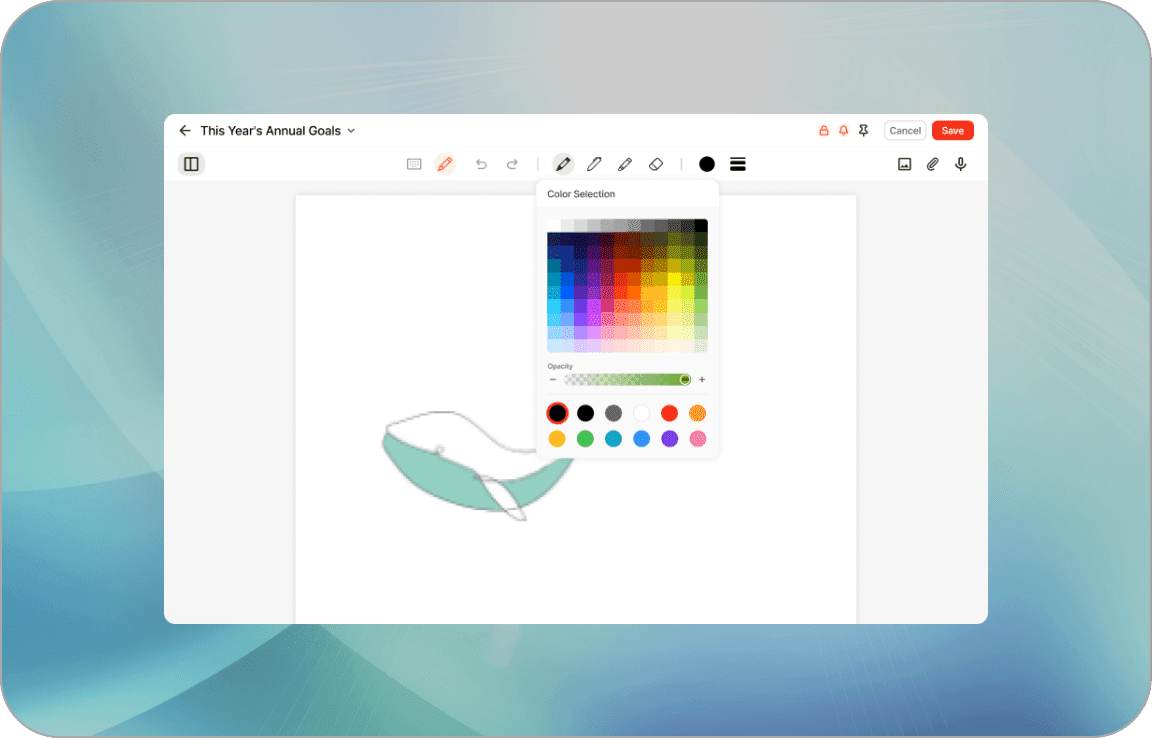
Sketch thoughts instantly
Draw freely to make your notes more complete.
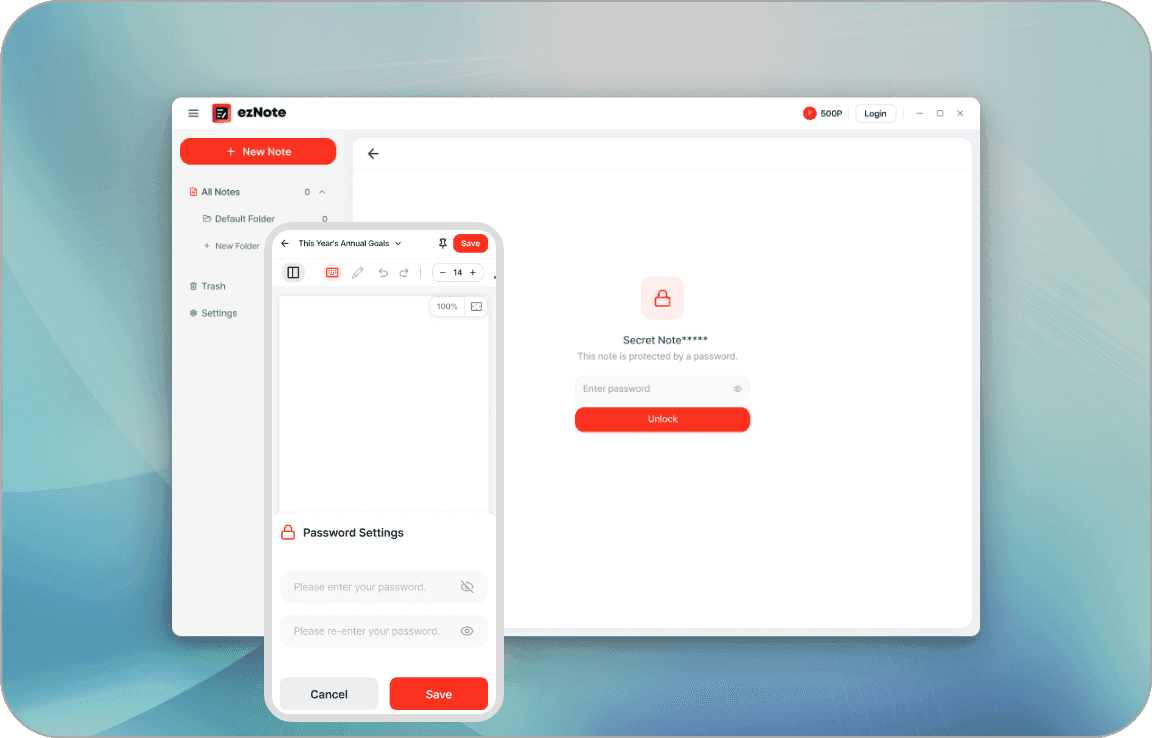
Keep important notes safe with a password
Password-protect important notes and keep your records safe.
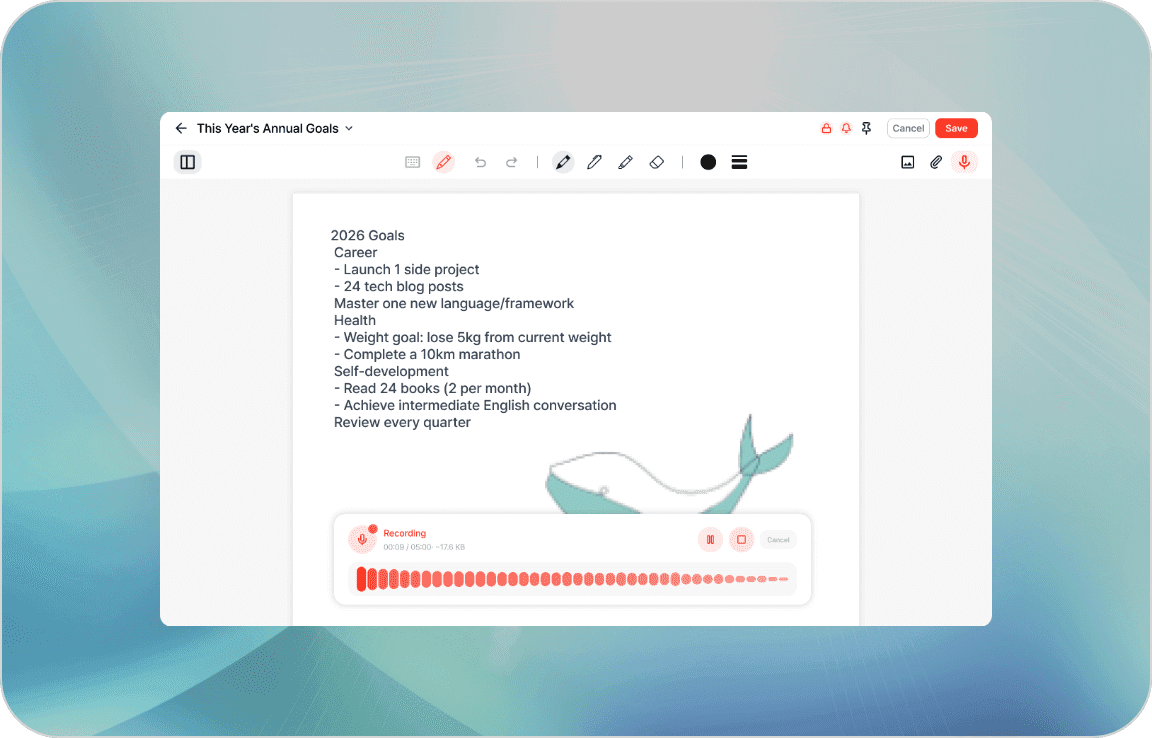
Fill gaps in your notes with recording
Record missed details in meetings or classes and preserve the conversation.
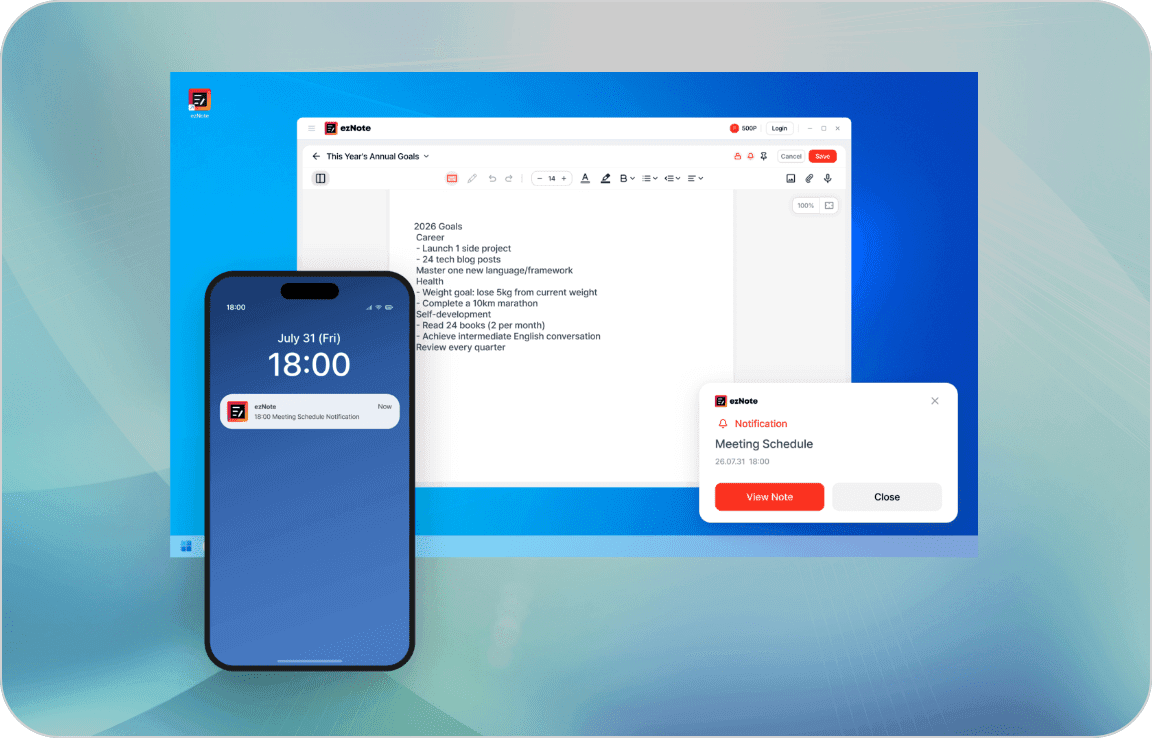
Scheduled reminders you won't miss
Get reminders at the set time and check notes right when you need them.
Frequently Asked Questions
Check out why so many professionals choose ezNote
ezNote is a free public product. Individuals as well as corporations, non-profit organizations, public institutions, and internet cafes can freely use it anywhere.
Beyond basic text, you can attach images and add sketches, so everything fits in a single note. Content that is hard to explain in words can be summarized quickly with a drawing.
Yes. You can create, edit and delete folders by purpose, and move individual notes between folders to keep things structured.
You can restrict access to important notes by setting a password. Keep sensitive records or notes with personal information safe and open them only when needed. Note that if you lose the password it cannot be recovered and the note can only be deleted, so please be careful when setting one.
Yes. You can convert a recording to text (transcript) and view it in the note. The first time you use it, you need to download the conversion model (about 1.3 GB) once, and you won't be asked again afterwards.
When you set a reminder time, the note pops up at that time to help you check it. It helps you review important records on time.
To use the recording feature on PC, microphone permission must be allowed first.
Deleted notes are not permanently deleted right away but moved to the Trash. Notes in the Trash are permanently deleted automatically after 30 days.
Yes. You can restore notes from the Trash. However, restored notes move to the default folder instead of their original folder.