

Smarter PDF management
with powerful editing features.
Recommended specs: Windows 11, 10 File size: ??(MB) Latest update: 2025.12.22


Say goodbye to complicated document management.
The smart PDF solution for fast, effortless viewing and editing.
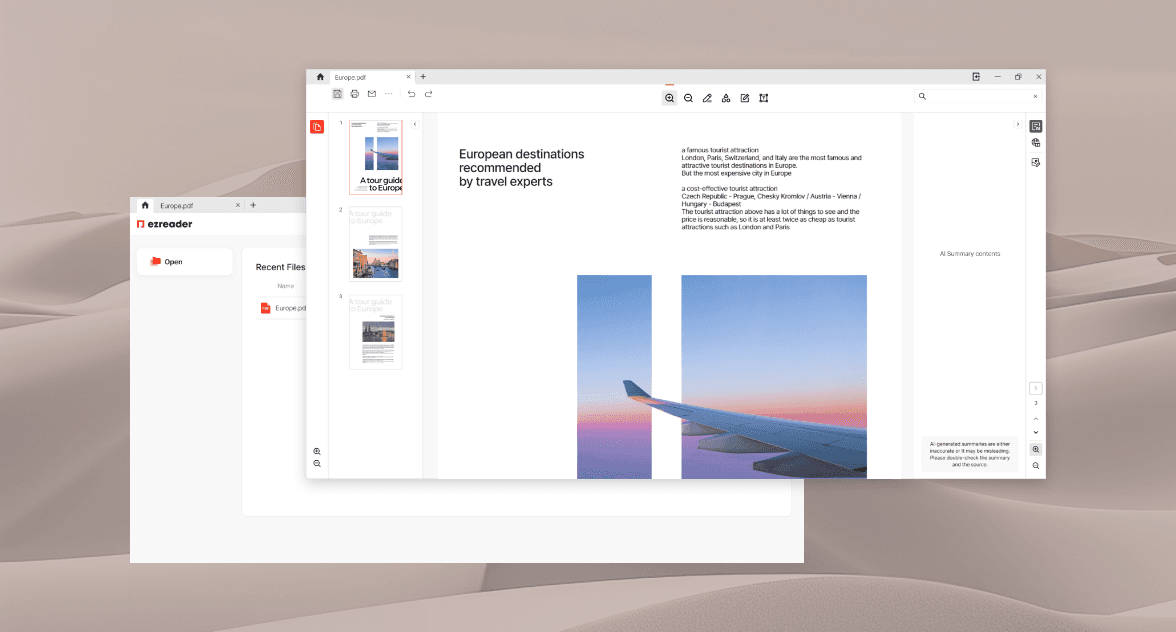
Open any document with ease. Zoom, rotate, and navigate pages exactly the way you want.
A smarter way to handle every document task.
See for yourself what makes ezReader different.
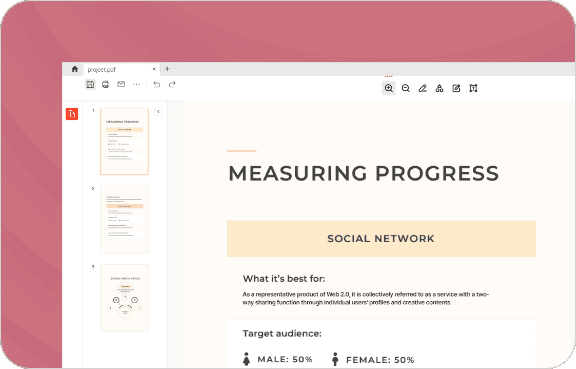
Complex documents, made simple.
Built-in thumbnails and a table of contents let you scan hundreds of pages at a glance and jump anywhere instantly.
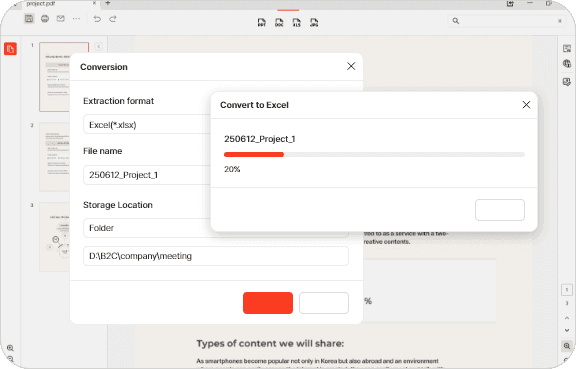
Convert PDFs to any format.
Coming SoonJust one click to convert your PDF into Word, Excel, PowerPoint, images, and more.
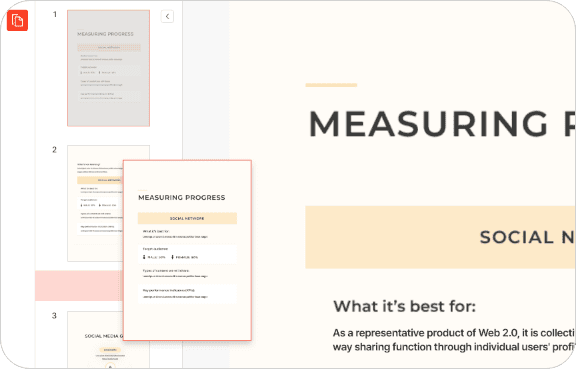
Work with PDFs, faster than ever.
Reorder pages, merge, split, and more— all the tools you need, right at your fingertips.
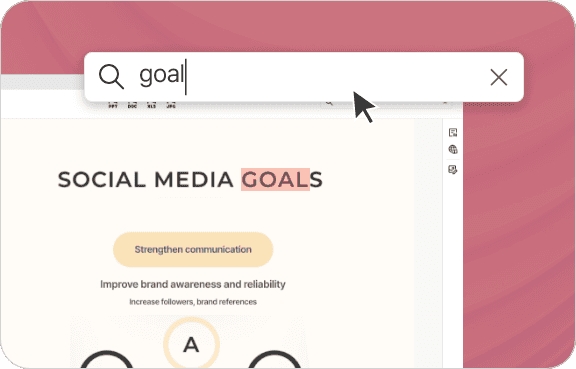
Find what you need, fast.
Instantly search and highlight text within any document to locate exactly what you're looking for.
Real Reviews from Real Users
Read blog reviews and posts straight from users who've tried it.
FAQ
Everything you want to know about ezReader— the tool trusted by professionals everywhere.
Yes, absolutely! ezReader supports full page editing on both PC and mobile.
Yes. ezReader supports split-save, so you can split and save only the pages you need.
Yes. You can add and edit images freely. Note that some advanced editing options may be limited on mobile devices.
ezReader offers multiple ways to sign your documents. ✔ Insert an image signature ✔ Draw a free signature (mobile)
Yes. ezReader supports AI-powered text summarization on a page-by-page basis.
Yes. Convert your PDF to PPT, Word, Excel, JPG, and more. Download is available on both PC and mobile after conversion.
Yes. The recent documents list lets you quickly access any locally saved file you've opened before.
Yes. ezReader supports full document translation into Korean, English, Japanese, Traditional Chinese, and more. AI-powered translation delivers fast, accurate results.
Yes. ezReader offers a full range of security features including password protection, copy/print restrictions, and watermark insertion.