

Record and organize everyday thoughts and notes
quickly and easily.
Recommended specs: Window 11,10 File size: 175.2 MB Latest update: 2026.10.19
All notes in one place
Smart note for easy recording
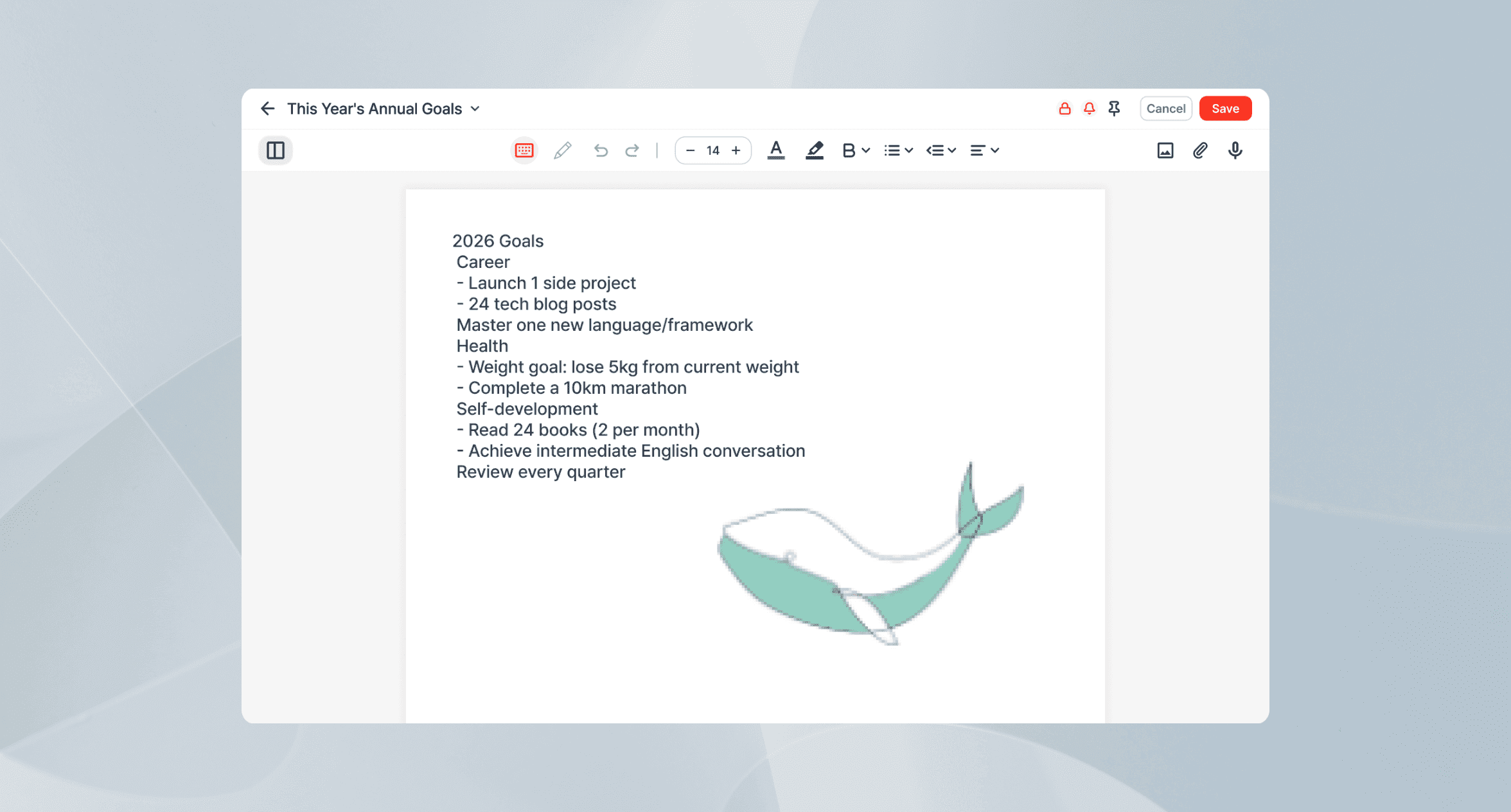
Text, images, and drawings — all on one screen.
How ezNote turns note-taking into a habit
Experience firsthand why ezNote is special.
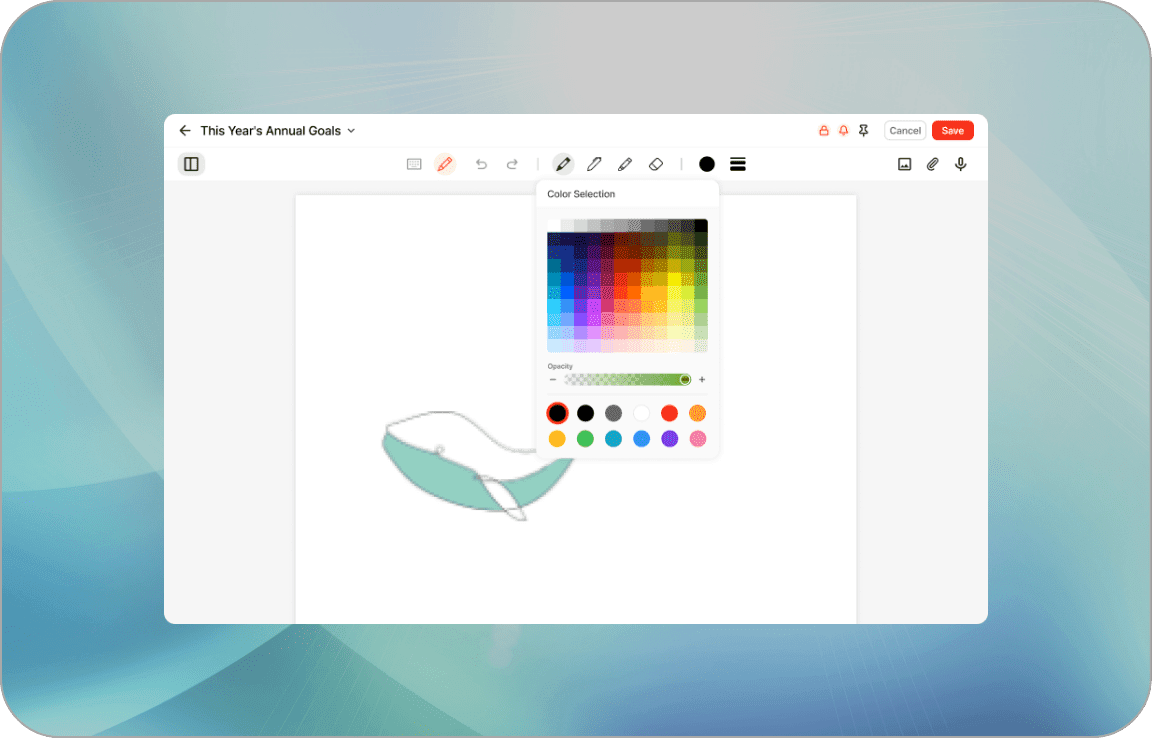
Sketch thoughts instantly
Draw freely to make your notes more complete.
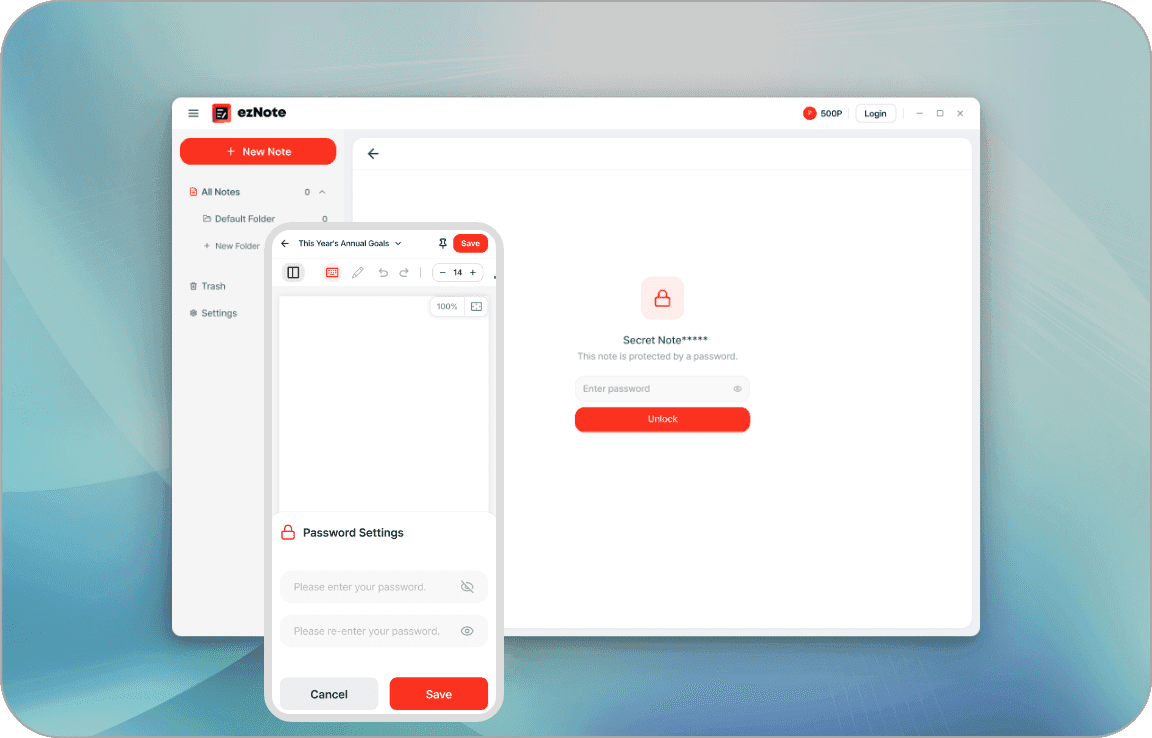
Keep important notes safe with a password
Password-protect important notes and keep your records safe.
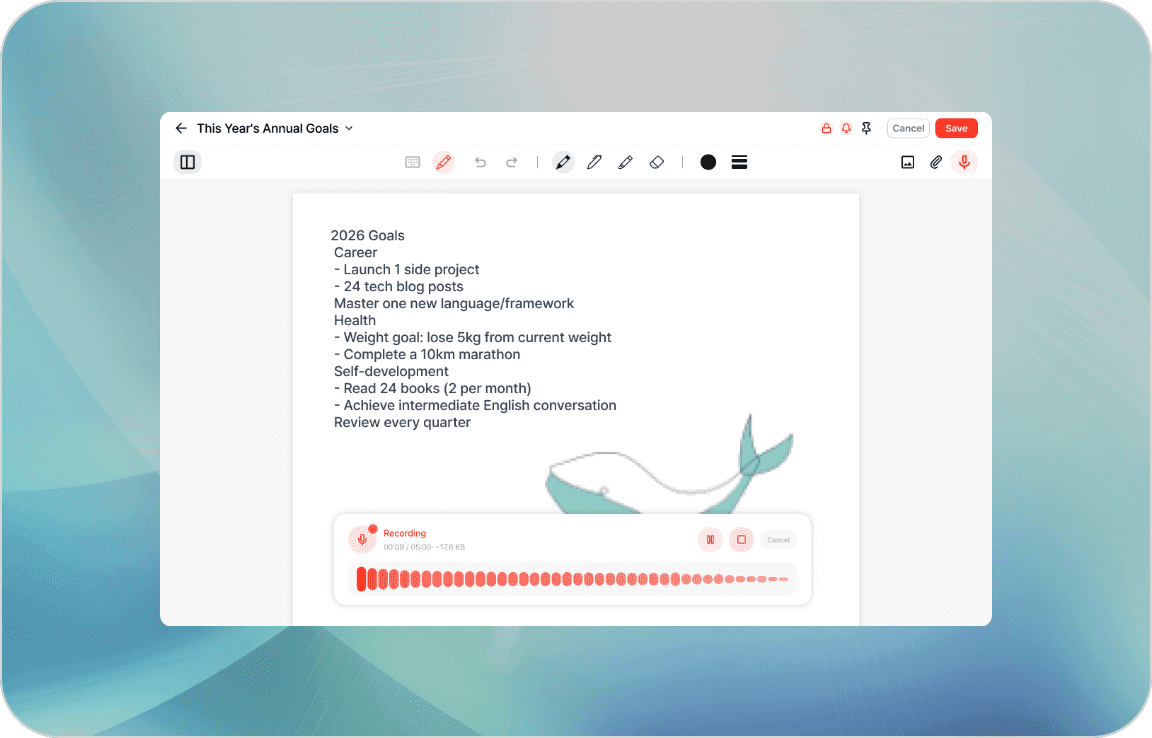
Fill gaps in your notes with recording
Record missed details in meetings or classes and preserve the conversation.
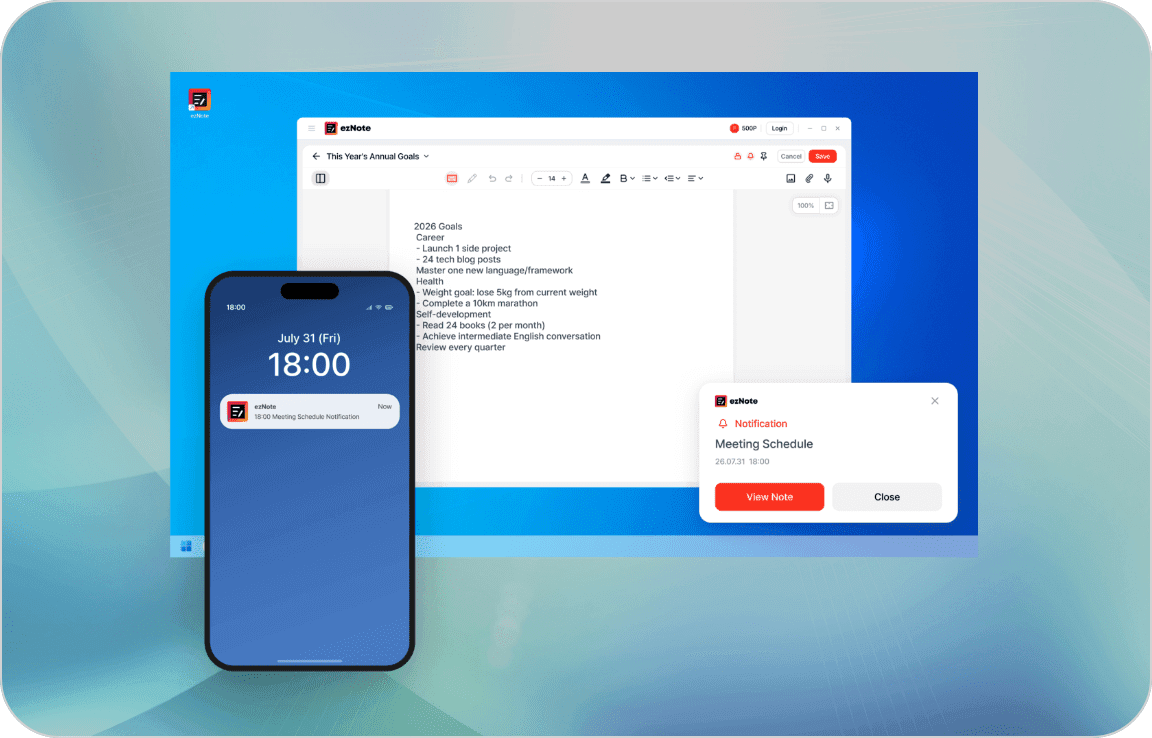
Scheduled reminders you won't miss
Get reminders at the set time and check notes right when you need them.
Frequently Asked Questions
Check out why so many professionals choose ezNote
ezNote is a free public product. Individuals as well as corporations, non-profit organizations, public institutions, and internet cafes can freely use it anywhere.
You can write text, attach images, and add sketches — all in one note. Anything hard to explain in words can be quickly organized with a drawing.
Yes. You can create, edit, and delete folders by purpose, and move individual notes between folders to organize them.
You can restrict access to important notes with a password. Notes with sensitive or personal information can be kept secure and opened only when needed. Note: If you lose the password, recovery is not possible and the note can only be deleted. Please be careful when setting a password.
It's useful for reducing missed notes in fast-moving conversations like meetings or calls. Recording lets you review the conversation later and improves note accuracy.
When you set a reminder time, a pop-up appears at that time to help you review the note. It helps you check important records at the right moment.
To use the recording feature on mobile and PC, microphone permission must be enabled first.
Deleted notes are moved to the Trash, not permanently deleted right away. Notes in the Trash are automatically permanently deleted after 30 days.
Yes. You can restore notes from the Trash. However, restored notes are moved to the default folder, not the original folder.